Blog
How To Get Started With Smart Home Automation
Updated on Aug 2024
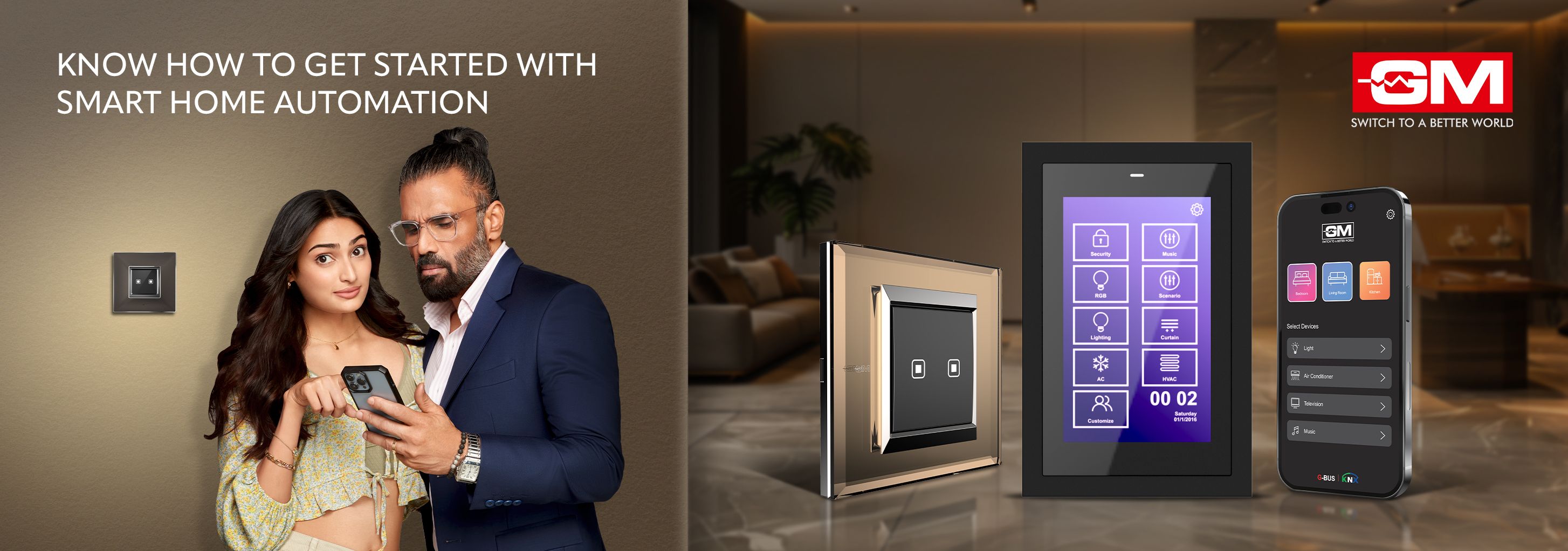
We are all so fascinated by how technology has taken over. Be it in our offices or homes, we try to upgrade the utilities with new and innovative techs. If you are someone eager to integrate smart home automation into your lifestyle, here’s how you can step into the future. The amazing factor lies in its transformative abilities where you will be able to experience the comfort that comes with modernity right inside your home. From managing the lighting of your home to securing your family with utmost security control, the innovation in home automation systems has evolved rapidly. It offers solutions like the GM Modular’s G-Bus Home Automation System which caters to all your needs. If you are new to home automation, here's a step-by-step guide to help you get started with your first smart home.
Understanding Smart Home Automation
Smart home automation systems come with a wholesome feeling. It provides advantages like automatic control of the entire household features, activities, and appliances to enhance convenience, comfort, and energy efficiency, without compromising security. Imagine adjusting your home’s temperature, lights, and security systems remotely or with simple voice commands. With smart home systems, you can do just that and more. If you are curious to know how it is installed, here we are to simplify the process to make you understand it well. There are two types of home automation systems. The wired home automation is built into the structure of your home, integrating seamlessly into your living environment. While, if you are looking for home automation systems that will be easier to install and maintain, go for the wireless home automation system available at GM Modular. These features make them ideal for modern living spaces.
Step 1: Planning Your Smart Home Setup
Before getting into a pool of devices available in the market, you should plan out well for a smooth execution assessing your needs. Start by analysing what aspects of your home you want to be automated. Here are key considerations for your planning process:
● Convenience and Comfort: Automate daily tasks like turning on lights or opening curtains for enhanced convenience.
● Energy Efficiency: Utilise smart devices to reduce power consumption and promote energy efficiency.
● Security: Enhance the safety of your home with features like smart locks and surveillance systems.
● Plan Properly: Identify the areas in your home where automation will bring the most benefit. It includes spaces such as the living room, kitchen, or bedroom. This approach will help prioritise your purchases and setup effectively.
Step 2: Choosing the Right Devices
The market is flooded with several smart devices that cater to different aspects of home automation. Here we are with a few choices you might want to consider:
● Smart Thermostats: Devices like the G-Bus from GM Modular can modify the room temperature between warm and cool based on the atmosphere or your mood.
● Smart Lighting: Solutions from GM Modular offer the ability to control lighting remotely, set schedules, and even change colours.
● Smart Audio-Video Systems: Options like music player and speakers, system controller enhance the living experience offering music control with a remote from every corner of your home.
NOTE: When selecting devices, consider their compatibility with other smart products and ecosystems. This ensures all your devices can communicate seamlessly.
Step 3: Installation and Configuration
Depending on whether you choose wired or wireless home automation, the installation process will vary. Wireless devices are generally more straightforward to install and configure. Most can be set up using your home Wi-Fi network and controlled via apps on your smartphone or tablet.
For a wired system, you may need professional installation, especially if you are integrating complex systems like whole-home audio or advanced security systems. Ensure that all devices are installed correctly and securely to avoid issues down the line.
Step 4: Integration and Control
The real magic of smart home automation happens when all different devices work together. Utilising a central hub like G-Bus can help manage all your devices from one place. This integration allows for routines and scenes that can automate tasks based on the time of day, your location, or even your activity.
Step 5: Optimisation and Maintenance
Once your system is up and running, spend some time optimising settings to suit your lifestyle. Adjust motion sensors, optimise energy settings, and refine security alerts to ensure everything runs smoothly. Regularly update your devices to protect against security vulnerabilities and improve functionality.
Embrace the Smart Lifestyle
Transforming your home with smart home automation is not just about tech enhancement but about improving the way you live. It offers the convenience of managing your household at your fingertips or through simple voice commands. As technology evolves, so will the capabilities of your smart home, becoming an increasingly integral part of your daily life.
From the simplicity of controlling a single room to the sophistication of automating an entire home, GM Modular’s solutions provide a scalable and customisable approach to meet the unique needs of any household. So, wait no more to live a smart life and bring home one of our creations - the G-Bus Complete Home Automation System.
Related Blogs

Bladeless Fan Buying Guide: 10 Checks | GM Modular
Bladeless Fan Buying Guide: 10 Things to Check Before You Buy A bladeless fan looks like the obvious upgrade. No spinning blades, a slim tower, a quiet hum, and a price that hints it must be the better choice. But the word “bladeless” on
Read More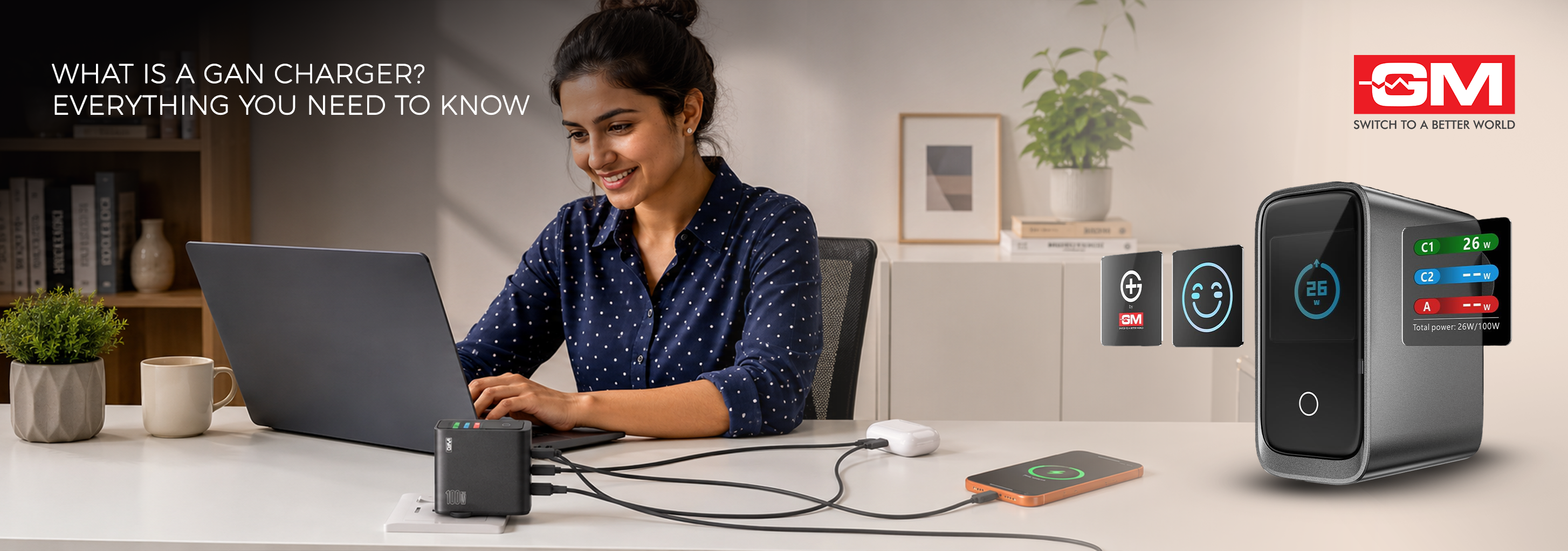
What Is a GaN Charger? A Simple Guide
What Is a GaN Charger? Everything You Need to Know You have probably used gallium nitride for years without knowing it. Before it reached the charger on your wall, this material lit up the first white LEDs, powered blue lasers, and read the discs in
Read More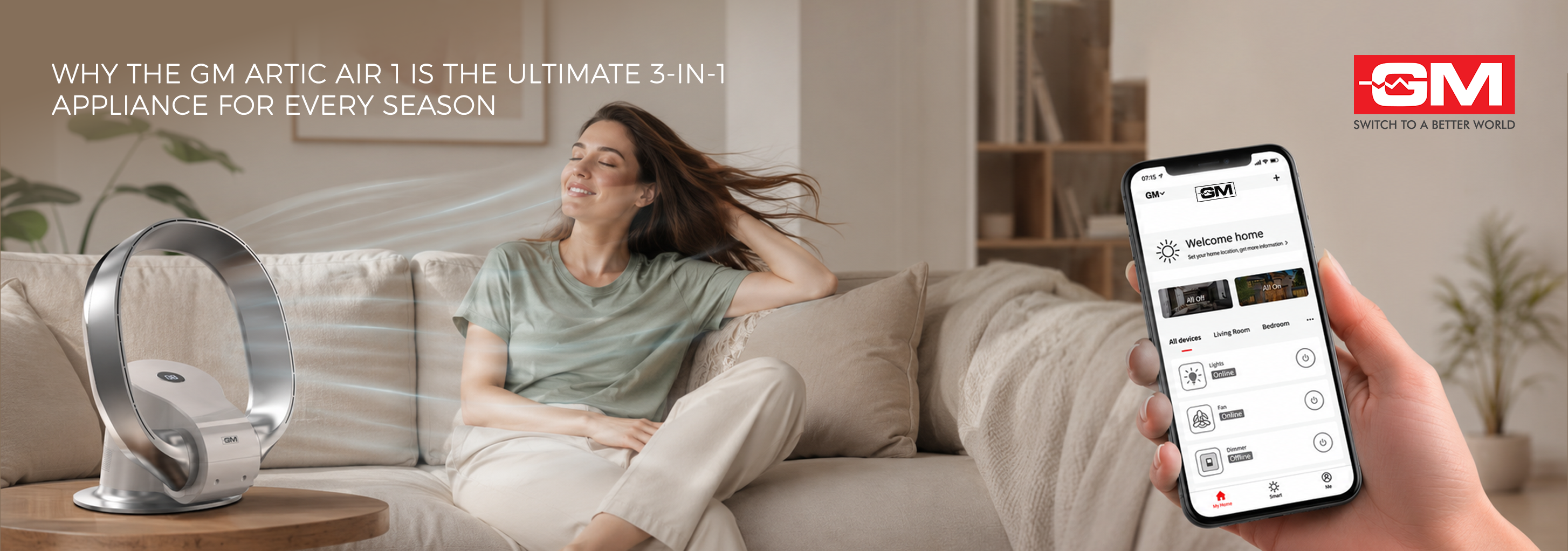
GM Artic Air 1: 3-in-1 Bladeless Tower Fan
Why the GM Artic Air 1 Is the Ultimate 3-in-1 Appliance for Every Season Picture one slim tower in the corner of your living room. In May, it cools you through a brutal afternoon. In August, it clears the damp, stale air the monsoon leaves beh
Read More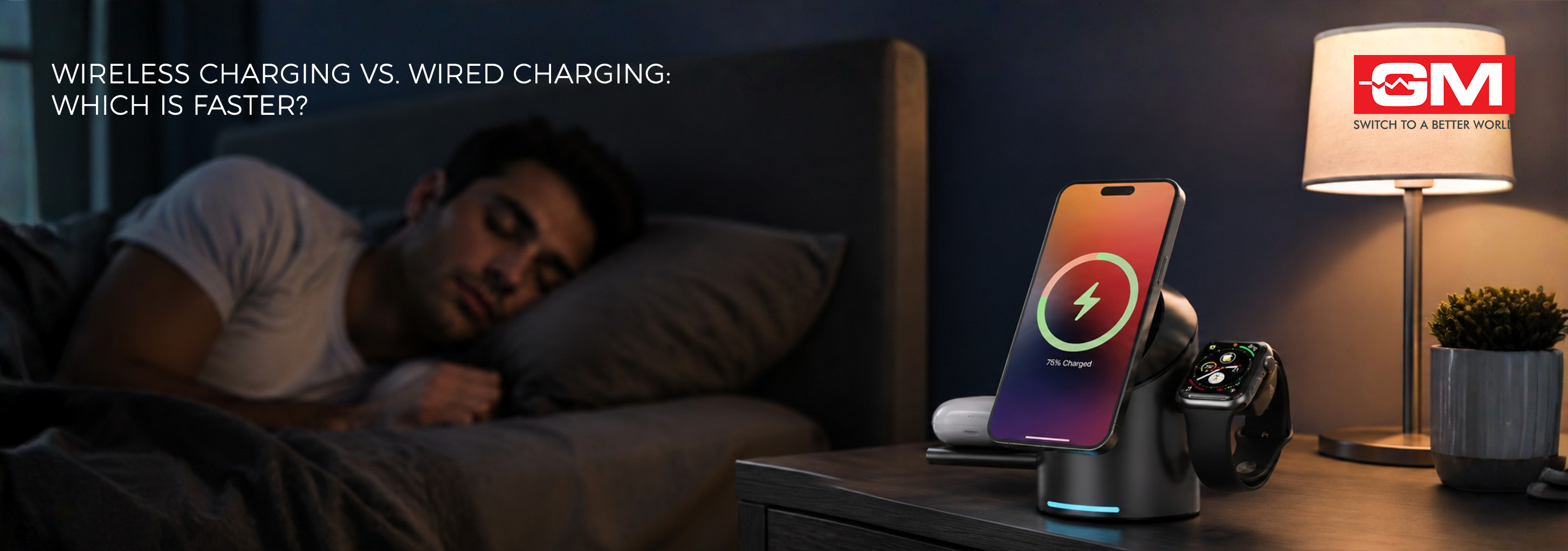
Wireless Charging vs Wired Charging: Which Is Faster?
Wireless Charging vs Wired Charging: Which Is Faster? If your phone is at 10% and you have twenty minutes before heading out, which charger should you grab: the cable or the pad? Wireless charging is everywhere now, yet most of us still reach for a
Read More